Overview
For this project I had to create a quick start guide for a piece of software that users could easily follow using Tech Smith’s Camtasia. The goal of this project was to produce a 90 to 150 second video with audio narration that incorporates the principles of minimalism. My final product is an approximately 127 second WordPress tutorial designed to help users name their website and add a tagline.
Tasks
This project was comprised of several tasks to be completed over several hours from pre-production through post-production. These tasks include the following:
- Write a script and storyboard using a provided template
- Record an audio track
- Record a video track
- Edit audio then edit video
- Synchronize audio and video
- Add special effects
Each of the above listed tasks had to be completed in sequence in order to create a good quick start guide that helps users successfully name their website and add a tagline.
My Process
Create A Script and Storyboard
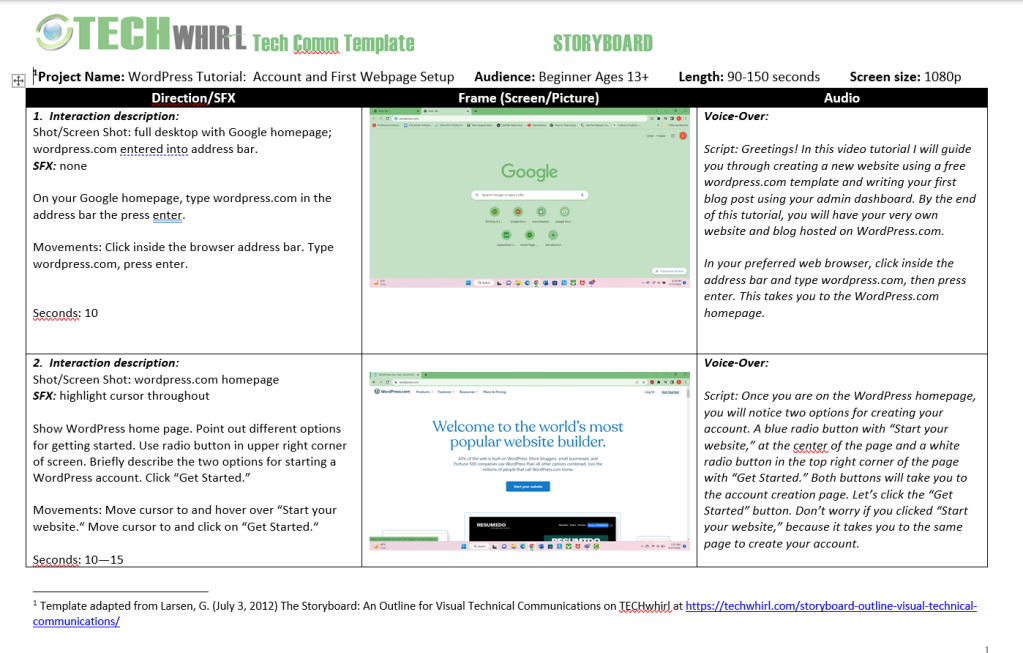
After deciding to create a WordPress quick start guide, I had to write a script and storyboard to plan the way that this project would flow. In the left column I wrote what exact actions I would perform and what special effects I would add that would assist users in completing the tasks required to name their WordPress website and add a tagline. The center column contains screenshots of each frame I would record and the right column is my script for recording audio that guides users through the quick start guide. The above image is an example of my script and storyboard for this project. The template used for my script and storyboard was provided to me and is adapted from one published at techwhirl.com.
Recording

Once I had my script and storyboard ready to go, I began recording. This step was an iterative process involving several takes to create good audio and video for my WordPress quick start guide. After doing a dry run, recording audio and video together, I decided to record audio and video tracks separately. For the final product I recorded an audio track and edited it by trimming gaps and removing sections of audio with mistakes. While recording my final audio track I used both my phone’s voice recording app and the Camtasia audio recorder. This allowed me to listen to the audio track while recording video since I don’t have a teleprompter.
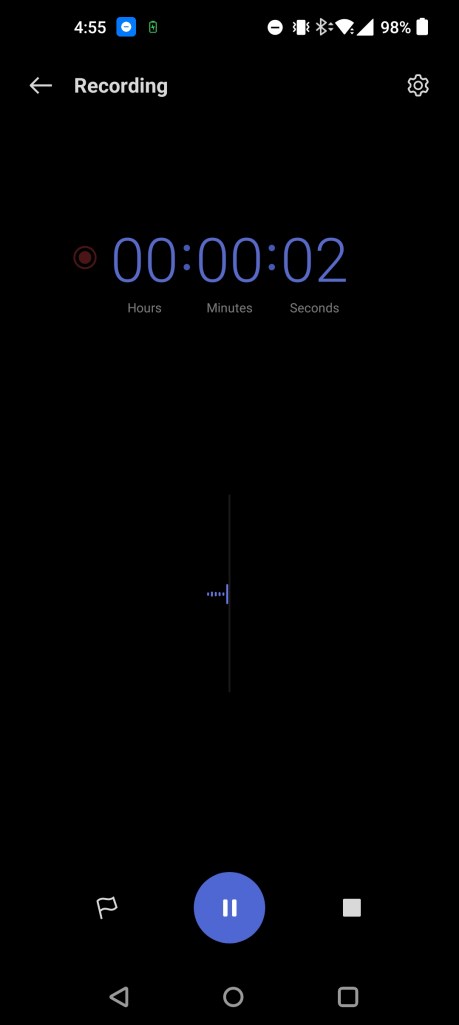
While listening to the audio track I recorded with my phone’s voice recording app, I recorded video for my WordPress quick start guide. Doing so allowed me to follow along with the actions being described, which in turn allowed me to synchronize the audio and video tracks during final editing. Once I made final edits to the video and audio tracks and synchronized them, I moved to the post production phase of my WordPress quick start guide.
Special Effects
In the post production phase of my WordPress quick start guide, I added special effects to the project using the cursor spotlight to indicate specific actions that users should take such as clicking buttons and added the blur effect over my personal information for security purposes.
Results
By following the process that I described above, I created a good WordPress quick start guide that users can follow to successfully and quickly name their website and add a tagline. To view the final product please see the video below.
 C. W. Fowler